
✓
Preview before you buySee up to 7 sample pages below.
Digital E-BookComputer Science & AI
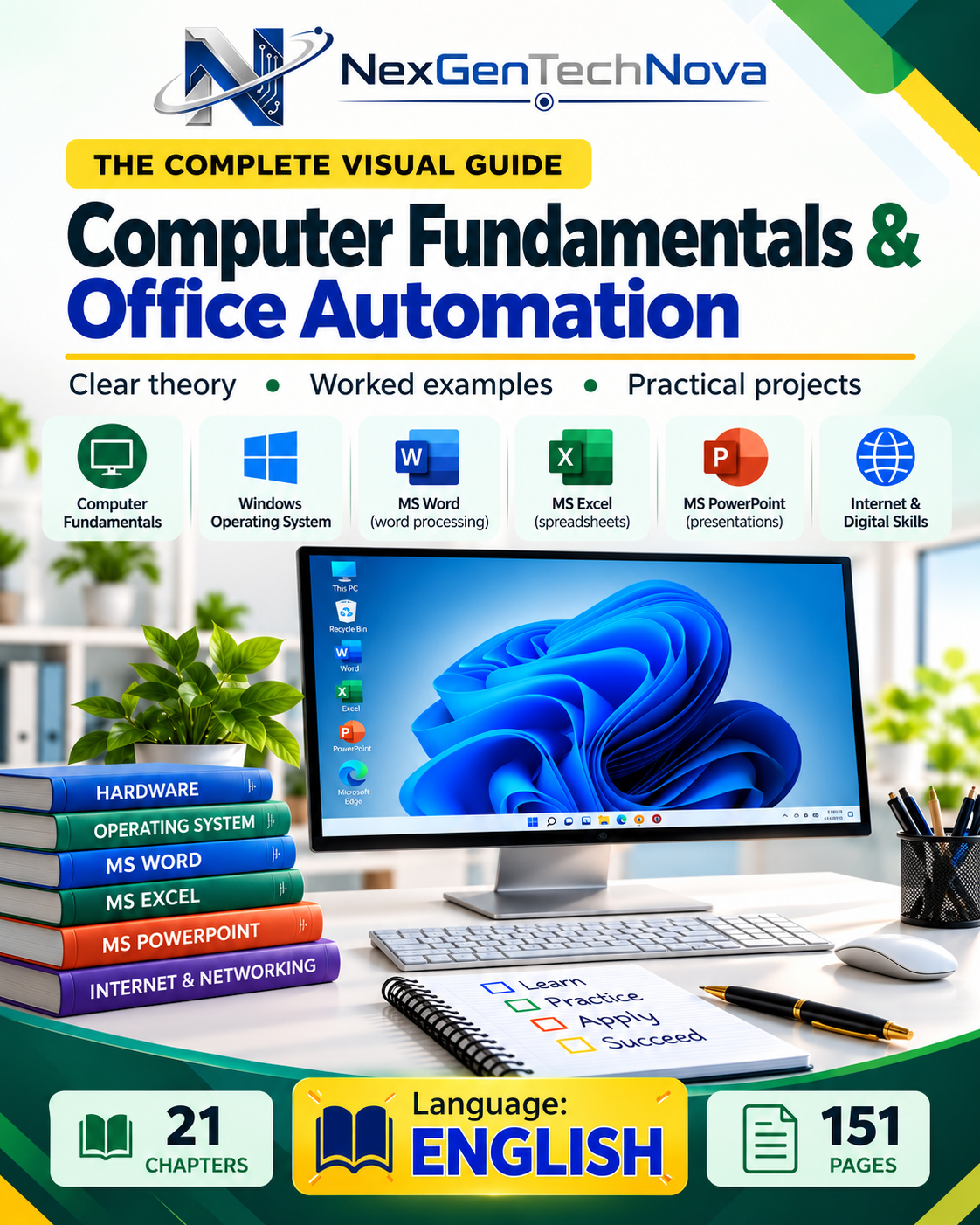
Computer Fundamentals and Office Automation
Choose your preferred language edition, review the sample pages and get the complete PDF immediately after secure payment.
CHOOSE YOUR EDITIONSelect language
1 availableSelected languageEnglish
Total pages151
DeliveryInstant PDF
One-time priceComplete e-book · no subscription
₹79🔒 Secure Razorpay payment⚡ Instant download after payment✉ Download link also sent by email👤 No registration or login required
WHAT'S INSIDE
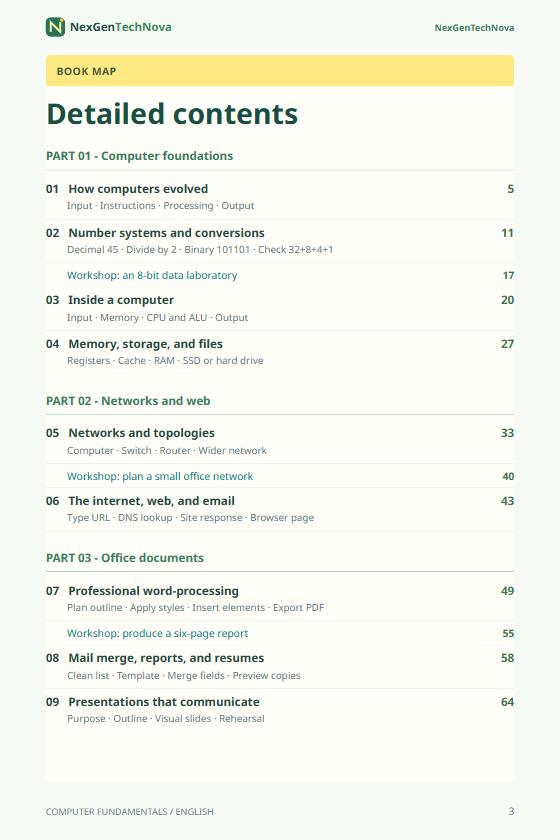
Chapters & topics covered
Review the coverage before purchasing. The complete content is provided in the selected language edition.
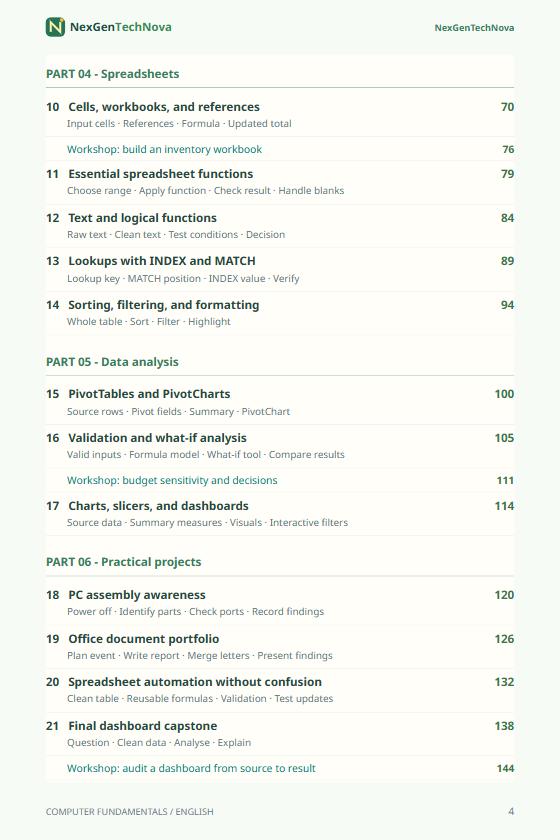
Unit 1: Computer Fundamentals and Number Systems
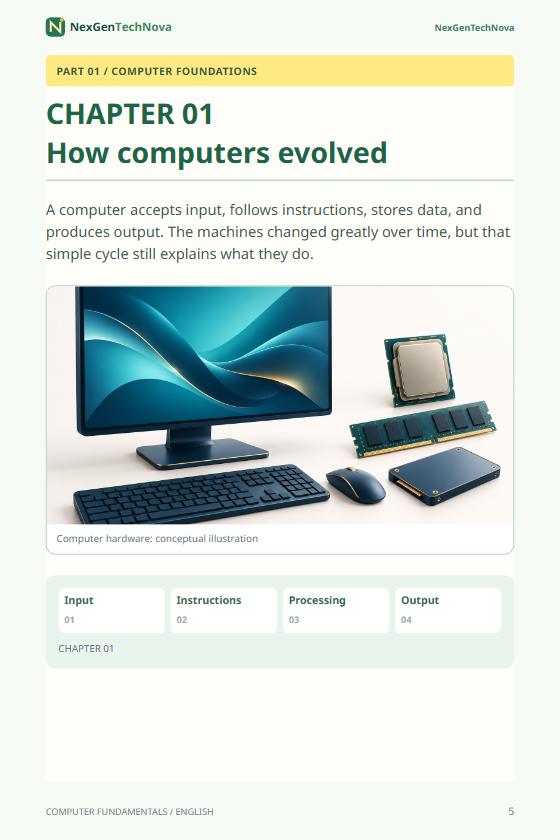
Evolution and generations of computers; characteristics and applications of computers; types of computers; basic block diagram of a computer system; functional units of a computer; CPU, Arithmetic Logic Unit (ALU), Control Unit, registers, memory and input/output units.
Number systems: Decimal, Binary, Octal and Hexadecimal number systems; positional number systems; conversion from decimal to binary, octal and hexadecimal; conversion between binary, octal and hexadecimal; binary arithmetic including addition, subtraction, multiplication and division; representation of data in computers.
Unit 2: Computer Hardware, Memory and Input/Output Devices
Computer hardware components; motherboard; processor; primary and secondary memory; RAM, ROM, cache memory; memory hierarchy; hard disk, SSD, optical storage and flash storage.
Input devices: Keyboard, mouse, scanner, barcode reader, OCR, OMR, MICR, webcam, touchscreen and biometric devices.
Output devices: Monitor, printer, plotter, projector and speakers; types of printers; storage devices and their applications.
Unit 3: Software and Operating Systems
System software and application software; utility programs; device drivers; translators; compiler, interpreter and assembler.
Introduction to operating systems; functions of an operating system; user interface; file and folder management; process and memory management; Windows operating system basics; desktop, taskbar, file explorer, settings and system utilities.
Unit 4: MS Word / Word Processing
Introduction to word processing; creating, opening and saving documents; editing and formatting text; fonts, paragraphs and styles; page setup; margins; orientation; headers and footers; page numbering; lists; tables; images, shapes and WordArt.
Find and replace; spelling and grammar checking; columns; section breaks; references; table of contents; mail merge; templates; document protection; printing and exporting documents to PDF.
Unit 5: MS Excel / Spreadsheet Applications
Introduction to spreadsheets; workbook and worksheet; rows, columns and cells; data entry and formatting; cell references; relative, absolute and mixed references.
Formulas and functions; SUM, AVERAGE, MIN, MAX, COUNT, IF, COUNTIF and SUMIF; sorting and filtering; tables; conditional formatting; charts and graphs; data validation; basic data analysis; printing worksheets and practical business applications.
Unit 6: MS PowerPoint / Presentation Tools
Introduction to presentation software; creating presentations; slide layouts and themes; formatting text; adding tables, images, shapes, SmartArt, charts, audio and video.
Transitions and animations; hyperlinks; slide master; speaker notes; presentation views; slide show settings; printing and exporting presentations; principles of effective presentation design.
Unit 7: Internet, Networking and Digital Communication
Basics of computer networks; LAN, MAN and WAN; Internet and World Wide Web; web browsers and search engines; URLs, websites and web pages; downloading and uploading information.
E-mail concepts; creating and sending emails; attachments; CC and BCC; cloud storage; video conferencing; online collaboration tools; introduction to cybersecurity, passwords, malware, phishing, safe browsing and data privacy.
Unit 8: Practical Office Automation and Productivity
Integration of Word, Excel and PowerPoint; preparing professional reports; spreadsheets for calculations and records; creating charts and presentations; converting files to PDF; file organization and backup; cloud-based office tools; collaborative document editing; practical office automation workflows.
Evolution and generations of computers; characteristics and applications of computers; types of computers; basic block diagram of a computer system; functional units of a computer; CPU, Arithmetic Logic Unit (ALU), Control Unit, registers, memory and input/output units.
Number systems: Decimal, Binary, Octal and Hexadecimal number systems; positional number systems; conversion from decimal to binary, octal and hexadecimal; conversion between binary, octal and hexadecimal; binary arithmetic including addition, subtraction, multiplication and division; representation of data in computers.
Unit 2: Computer Hardware, Memory and Input/Output Devices
Computer hardware components; motherboard; processor; primary and secondary memory; RAM, ROM, cache memory; memory hierarchy; hard disk, SSD, optical storage and flash storage.
Input devices: Keyboard, mouse, scanner, barcode reader, OCR, OMR, MICR, webcam, touchscreen and biometric devices.
Output devices: Monitor, printer, plotter, projector and speakers; types of printers; storage devices and their applications.
Unit 3: Software and Operating Systems
System software and application software; utility programs; device drivers; translators; compiler, interpreter and assembler.
Introduction to operating systems; functions of an operating system; user interface; file and folder management; process and memory management; Windows operating system basics; desktop, taskbar, file explorer, settings and system utilities.
Unit 4: MS Word / Word Processing
Introduction to word processing; creating, opening and saving documents; editing and formatting text; fonts, paragraphs and styles; page setup; margins; orientation; headers and footers; page numbering; lists; tables; images, shapes and WordArt.
Find and replace; spelling and grammar checking; columns; section breaks; references; table of contents; mail merge; templates; document protection; printing and exporting documents to PDF.
Unit 5: MS Excel / Spreadsheet Applications
Introduction to spreadsheets; workbook and worksheet; rows, columns and cells; data entry and formatting; cell references; relative, absolute and mixed references.
Formulas and functions; SUM, AVERAGE, MIN, MAX, COUNT, IF, COUNTIF and SUMIF; sorting and filtering; tables; conditional formatting; charts and graphs; data validation; basic data analysis; printing worksheets and practical business applications.
Unit 6: MS PowerPoint / Presentation Tools
Introduction to presentation software; creating presentations; slide layouts and themes; formatting text; adding tables, images, shapes, SmartArt, charts, audio and video.
Transitions and animations; hyperlinks; slide master; speaker notes; presentation views; slide show settings; printing and exporting presentations; principles of effective presentation design.
Unit 7: Internet, Networking and Digital Communication
Basics of computer networks; LAN, MAN and WAN; Internet and World Wide Web; web browsers and search engines; URLs, websites and web pages; downloading and uploading information.
E-mail concepts; creating and sending emails; attachments; CC and BCC; cloud storage; video conferencing; online collaboration tools; introduction to cybersecurity, passwords, malware, phishing, safe browsing and data privacy.
Unit 8: Practical Office Automation and Productivity
Integration of Word, Excel and PowerPoint; preparing professional reports; spreadsheets for calculations and records; creating charts and presentations; converting files to PDF; file organization and backup; cloud-based office tools; collaborative document editing; practical office automation workflows.
FREE PREVIEW
Preview the first pages
These are sample images from the selected English edition. Click any page to view it larger in the same page.
7sample pages
 View page
 View page
 View page
 View page
 View page
Preparing the remaining preview pages…
Like what you see?Get the complete English PDF with 151 pages.